Why Elevator Technicians Reject Software (And What Works)
By Mr. Sumeet Katariya, Founder & CEO, ElevatorPlus ·
In short: Elevator software is chosen in the office and defeated in the basement. Technicians do not reject systems because they dislike change. They reject systems that make a physically demanding job harder. This is what they actually refuse, what they adopt without being asked, and how to tell the difference during a demo rather than six months in.
Key takeaways
- Technicians are not resistant to technology. They carry smartphones and use them constantly. They are resistant to software that adds a step to a day that is already full.
- The reliable predictor of adoption is a single question: does this remove work from the technician, or move work onto them?
- Running the app and the paper register in parallel is not a safe transition. It is a guarantee of failure, because it doubles the technician's admin while halving nobody's.
- Offline capability is the baseline in this industry, not a premium feature. Machine rooms are in basements. Basements have no signal.
- Across our own rollouts, adoption is decided in the first two weeks. After that, whatever workaround the crew invented becomes the permanent process.
What this guide covers: the seven rejections · the four things they adopt willingly · why parallel running fails · how to test adoption before you buy · the first two weeks · FAQs.
The seven things technicians reliably refuse
Every one of these has a rational basis. None of them is stubbornness.
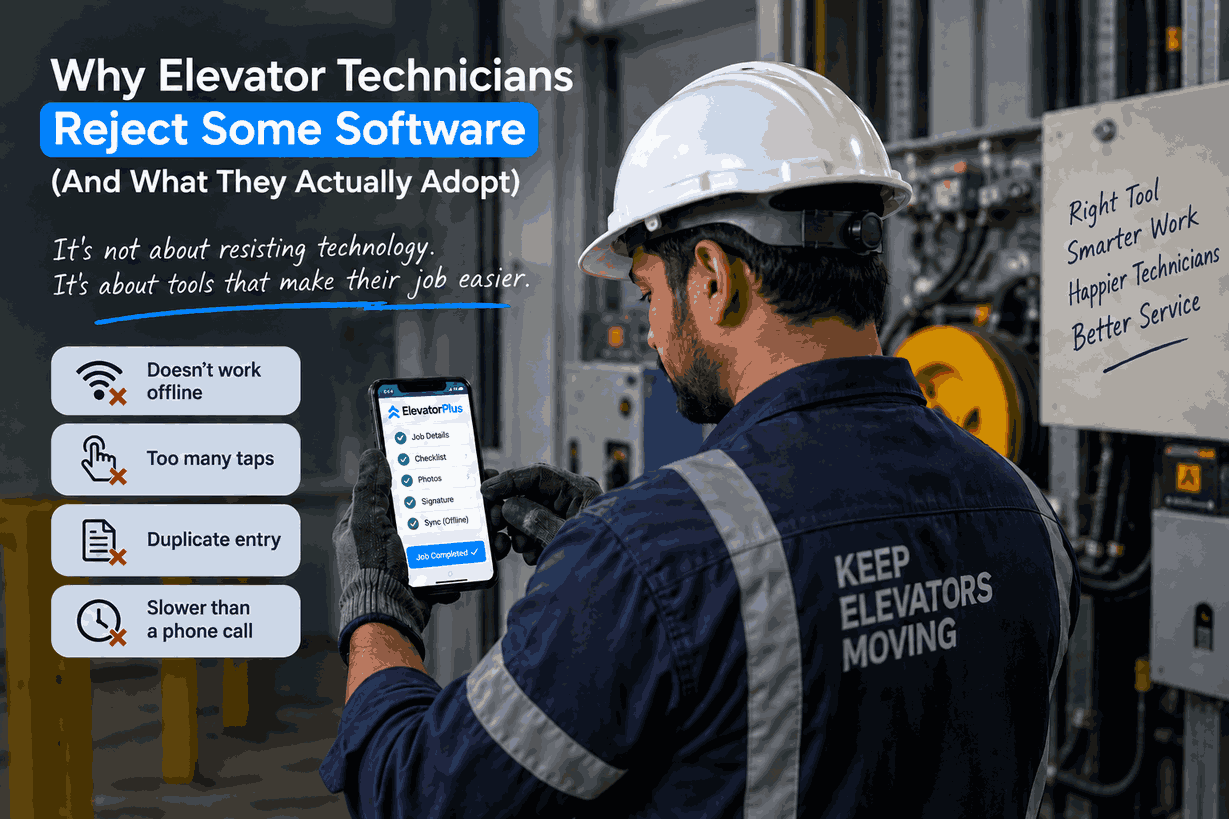
1. Anything requiring more than a few taps with gloves on. Small touch targets, dropdown menus with forty options, free-text fields. A technician in a machine room is not going to remove gloves to scroll a picker list.
2. Anything that fails without signal. If the app cannot open a job, capture a reading or record a signature offline, it is useless in exactly the place the work happens.
3. Duplicate entry. Filling in the app and then the register, or the app and then a WhatsApp update to the supervisor. The moment a technician enters the same fact twice, one of the two channels is going to be abandoned, and it will not be WhatsApp.
4. Data entry with no visible purpose. If a field exists and nobody has explained what it is for, it gets filled with a full stop. Every field you add without a reason degrades the reliability of every other field.
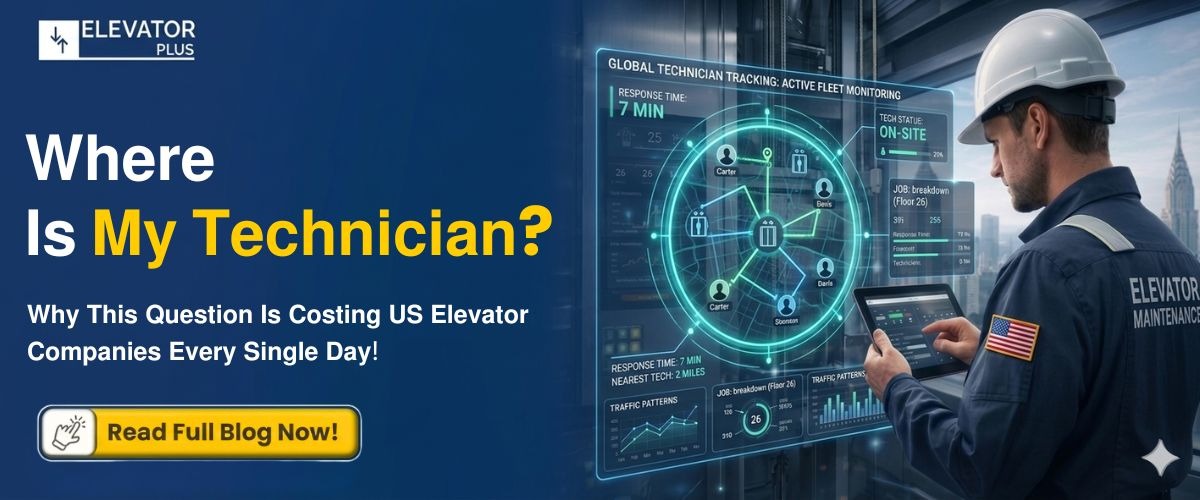
5. Anything that feels like surveillance without benefit. Location tracking introduced without explanation reads as monitoring. The same feature framed as "so dispatch stops calling you to ask where you are" reads as relief. Identical technology, opposite reception.
6. Logins that expire mid-job. Being timed out in a basement with no signal, holding a phone in one hand, is the moment a technician decides the system is not for them.
7. Anything slower than the phone call it replaced. As an illustration: if ringing the office takes about fifteen seconds and the app takes ninety, the app loses. Every time.
Technicians are excellent judges of whether a tool respects their time. If your system asks them to spend twenty minutes a day feeding it so that someone in the office can run a report, they will work out the trade in about a week.
The four things technicians adopt without being asked
The mirror image is just as consistent. Give a technician these and nobody has to run a training programme.
1. The building's history in their pocket. Arriving at a site knowing what broke last time, what was fitted, and what the customer complained about is genuinely useful. Across our own customer base this is the single strongest adoption driver we see, and it costs the technician nothing.
2. No paperwork at the end of the shift. If capturing the job on site means not writing it up at 7pm, adoption is immediate and permanent.
3. Fewer phone calls. Technicians dislike being interrupted mid-job to answer where they are and what they are doing. A system that answers those questions for the office is a system that protects their day.
4. Proof they did the work. This one is underrated. When a customer disputes whether a visit happened or a technician is blamed for something they flagged three months ago, a timestamped record is the technician's protection, not management's. Frame it that way and it lands very differently.
| Feature | Framed as management wants | Framed as it actually helps | Adoption |
|---|---|---|---|
| Location | "We can see where you are" | "Dispatch stops calling to ask" | Opposite outcomes |
| Job checklists | "Prove you did every step" | "Nothing forgotten, no callback" | Opposite outcomes |
| Photo capture | "Evidence for audits" | "Proof it wasn't you" | Opposite outcomes |
| Digital signature | "Faster invoicing" | "No disputed visits" | Opposite outcomes |
The technology is identical in every row. Only the sentence changes. One practical note on that first row: in ElevatorPlus, GPS and live technician location are Android only, so check what handsets your crew carries before you build the conversation around it.
Why running the app and the register in parallel always fails ?
Every implementation plan proposes it, and it is the most reliable way to kill adoption.
The logic sounds prudent: keep the paper going until we trust the system. The effect on the technician is that their admin doubles. They are now recording everything twice, for a period nobody has defined, to support a transition they did not ask for.
What happens next is predictable. One of the two channels gets done properly and the other gets done badly. The one that gets done properly is whichever one the supervisor actually checks, and that is usually the paper, because paper is what he has always checked.
Six months later the conclusion in the office is that the technicians resisted the software. What actually happened is that the business asked them to do two jobs and then judged them on the one it kept enforcing.
The alternative: pick one crew, one route or one contract. Move it fully: no paper, no parallel. Let it run for two weeks. Fix what breaks. Then expand. A clean cutover on a small scope beats a hedged cutover on a large one every time.
👉 See what a technician's screen actually looks like on a real job.
How to test adoption before you buy?
Do not evaluate the technician app in a boardroom on a laptop. Almost every platform looks fine there.
Three tests, all of which you can insist on during a demo:
Test one: the glove test. Have your most sceptical technician complete a full job on their own phone, wearing gloves, in a real machine room. Not a conference room. Time it. Compare against how long the paper equivalent takes.
Test two: the airplane-mode test. Put the phone in airplane mode. Open a job, capture readings, take a photo, get a signature, close the job. Then reconnect and confirm everything syncs cleanly with nothing lost. If the vendor hesitates at this, you have your answer.
Test three: the counting test. Count taps and typed characters for one routine service visit. Then count what the paper register requires. If the app is higher, adoption will fail regardless of every other feature.
If a vendor will not run all three on your equipment with your people, that is information about the product.
The first two weeks decide it
Watching our own rollouts, adoption does not build gradually. It settles early, and then it stops moving.
In the first fortnight the crew works out whether this thing helps or hurts, and invents a workaround for anything that hurts. Whatever workaround they invent becomes the permanent process, because nobody revisits it.
So the first two weeks need three things: a named person the technicians can call who actually fixes problems the same day, visible removal of at least one existing chore, and someone senior asking the crew directly what is annoying them and then changing it.
The second-generation owners we work with tend to get this right, because they are close enough to the floor to hear the complaints. It is one of the quieter advantages of a generational handover done properly.
Frequently asked questions
Why do elevator technicians resist new software?
Almost never because of the technology itself. They resist systems that add steps to a physically demanding day, fail without signal, require duplicate entry, or ask for data with no visible purpose.
How do I get technicians to actually use a field service app?
Make sure it removes work rather than adding it: building history in their pocket, no end-of-shift paperwork, fewer interruption calls. Then cut over cleanly on a small scope rather than running parallel with paper.
Should we run the new system alongside paper during transition?
No. Parallel running doubles technician admin and guarantees one channel is done badly. Move one crew or one route fully, fix what breaks, then expand.
Does elevator field software need to work offline?
Yes. Machine rooms are frequently in basements with no signal. Offline job access, data capture and signature, with clean sync on reconnection, is a baseline requirement in this industry, not a premium feature.
How long does technician adoption take?
In the rollouts we run it is effectively decided in the first two weeks. Whatever workarounds the crew invents in that period tend to become permanent, so early support and fast fixes matter more than long training programmes.
Our technicians are older and not tech-savvy. Will this work?
Usually yes, and often better than expected. Experienced technicians are pragmatic. They adopt tools that save them time and reject tools that waste it, which is a more reliable filter than enthusiasm. Judge the software by that standard and age rarely predicts adoption.
📲 Join our WhatsApp channel for compliance tips, updates: ElevatorPlus - Business Automation Tool
Elevator software does not fail because technicians are resistant. It fails because someone chose a system that optimises for office reporting and asked the field to pay for it in taps.
Ask one question of every platform you evaluate, and ask it of the technician, not the vendor: does this remove work from your day, or add it? Everything else follows from the answer.
👉 Let your most sceptical technician test it. Book a demo →
Related reading
- Elevator Field Technician Management: A 2026 Playbook
- The Second-Generation Question: When the Son Wants Systems
- Elevator Software Buyer's Guide: 12 Questions to Ask Before You Choose
- How to Grow an Elevator Maintenance Business Without Adding Chaos
About the author: Mr. Sumeet Katariya is Founder & CEO of ElevatorPlus, the Elevator Business Operating System used by 200+ elevator companies across 20+ countries, and author of "ElevatorPlus How to run your operation stress-free and 3x your business".
Sources: ElevatorPlus implementation observations across our own customer base of 200+ elevator companies in 20+ countries, 2026. The adoption timings and the adoption drivers described here are what we see across our own rollouts, not findings from published field service research.
👉 Follow ElevatorPlus on,
Instagram LinkedIn Facebook YouTube Qoura Substack Twitter